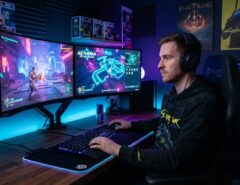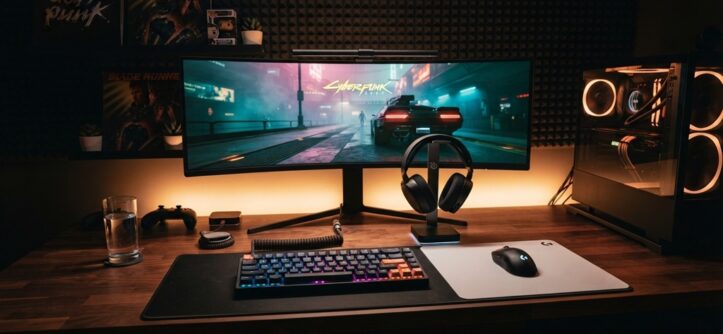
Buying the best gaming gadgets for beginners comes down to three things: knowing your budget, matching gear to the games you actually play, and avoiding flashy extras you don’t need yet. Most new gamers overspend on their first setup because they buy gear designed for professional streamers or competitive esports players, not casual players just getting started.
This guide breaks down exactly what to look for, what to skip, and how to build a setup that grows with you instead of one you’ll regret in six months. Whether you’re gaming on a console, PC, or handheld, the same core principles apply — and by the end of this article, you’ll know exactly what to prioritize with your first purchase.
Start With Your Platform, Not the Gadget
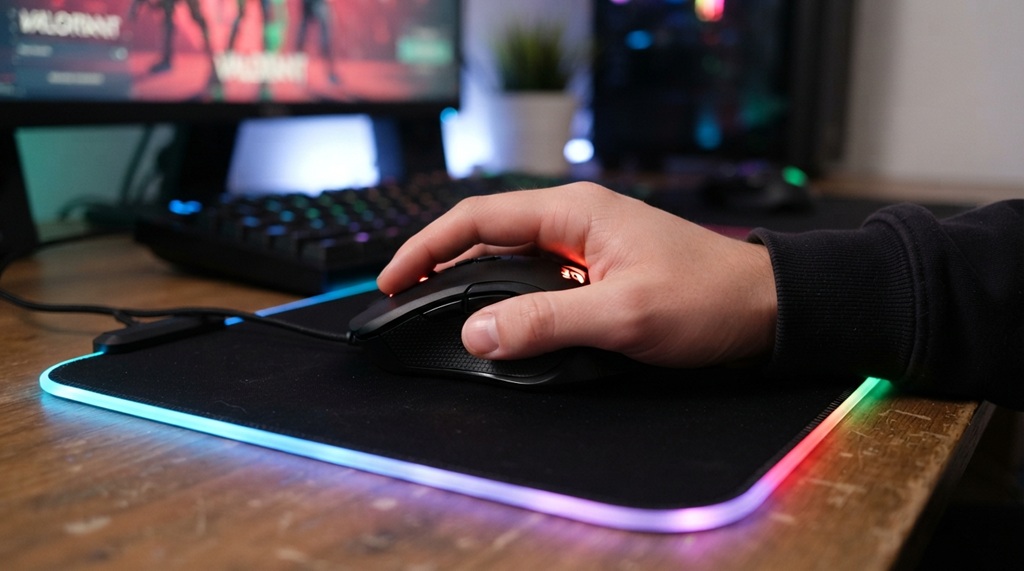
Before buying anything, decide what platform you’re gaming on, because gadgets are not universally compatible. A gaming mouse built for PC precision won’t help a PlayStation player, and a controller optimized for console play may need an adapter — or won’t work at all — on PC.
Console Gamers
If you’re on PlayStation, Xbox, or Nintendo Switch, your gadget priorities are simpler: a comfortable controller, a solid headset, and possibly a charging dock. You don’t need a mouse, keyboard, or high-refresh monitor unless you’re playing crossplay titles that support keyboard input.
PC Gamers
PC gaming opens up more gadget categories — mouse, keyboard, headset, webcam, and monitor all matter. Beginners often make the mistake of buying a high-end monitor before checking whether their graphics card can actually push enough frames to use it, so confirm your PC’s capability first.
Handheld Gamers
If you’re using a Steam Deck, ROG Ally, or similar device, most of what you need (controls, screen, speakers) is already built in. Your main gadget decisions here are a protective case, a dock for TV output, and possibly a carrying bag — not peripherals.
Set a Realistic Budget Before You Shop
A beginner gaming setup should typically cost far less than what influencers and pro players use, because entry-level gear now performs close to what “premium” gear did a few years ago. According to industry experts, component and peripheral quality at the budget tier has improved significantly as manufacturing costs have dropped, meaning you don’t need to spend top dollar to get a reliable experience.
A practical approach is to split your budget into three tiers:
Essentials (60% of budget)
Controller/mouse-keyboard, headset, basic storage
Comfort upgrades (30% of budget)
Better chair, wrist support, monitor stand
Optional extras (10% of budget)
RGB lighting, decorative accessories, extra controllers
This split keeps you focused on function first, aesthetics second — a mistake almost every beginner makes in reverse.
The Core Gadgets Every Beginner Actually Needs
You don’t need a room full of glowing gear to build a great setup. Most beginners only need four core essentials to get started—everything else can wait until you figure out your personal playstyle. Once you’ve locked in your starter gear, you’ll want to take it for a spin in titles that truly bring your equipment to life. For a quick look at titles where tech takes center stage, check out gear up for fun Games Where Gadgets Rule the Game.
1. A Reliable Controller or Mouse & Keyboard
This is the single most important purchase because it’s your direct interface with every game. For console or handheld players, stick with the manufacturer’s official controller first — third-party alternatives are cheaper but often have worse stick drift resistance. For PC players, a mouse with a reliable sensor (look for optical, not budget laser sensors) matters more than button count or RGB lighting.
2. A Comfortable Headset
Audio cues matter in most competitive and story-driven games, so a mid-range headset with clear directional sound beats an expensive one with flashy branding but poor audio positioning. Look for over-ear designs if you play for long sessions, since they tend to cause less ear fatigue than on-ear models.
3. Adequate Storage
Modern games routinely exceed 50-100GB in size, so running out of storage is one of the most common beginner frustrations. If you’re on console, an external SSD is usually a better upgrade than internal storage expansion, since it’s easier to install and often cheaper per gigabyte.
4. A Stable Internet Connection Setup
This is the gadget beginners forget entirely, yet it affects every online game you play. A wired Ethernet connection, or at minimum a modern dual-band router, will reduce lag far more effectively than any gaming mouse or headset ever will.
Gadgets Beginners Should Skip
Not every gadget marketed to gamers is worth buying on day one, and knowing what to skip saves you as much money as knowing what to buy.
Mechanical Keyboards With Premium Switches
Mechanical keyboards are genuinely great, but the difference between a $150 keyboard with premium switches and a $40 beginner mechanical keyboard is something most new players won’t notice until they’ve logged significant hours. Start affordable, then upgrade once you know which switch feel you actually prefer.
High Refresh Rate Monitors Above 144Hz
Monitors advertising 240Hz or 360Hz refresh rates only make a noticeable difference if your hardware can consistently hit those frame rates and you’re playing fast-paced competitive shooters. For beginners still learning a game, a solid 144Hz monitor delivers nearly all the benefit at a fraction of the cost.
Gaming Chairs Over Ergonomic Chairs
A branded “gaming chair” often costs more than a well-built ergonomic office chair while offering worse long-term back support. Prioritize adjustable lumbar support and seat height over branding and racing-style aesthetics.
Where to Buy Gaming Gadgets Safely
Buying from the right source matters as much as buying the right product, especially since gaming peripherals are frequently counterfeited.
Stick to manufacturer websites, major retailers, or authorized resellers rather than unverified third-party marketplace listings, particularly for items like controllers and headsets where fakes are common. Before purchasing, check return policies specifically — peripherals like mice and keyboards often have “feel” issues that only show up after a few days of use, so a 30-day return window is far more valuable than a slightly lower price with no return option.
One angle beginners rarely consider: many manufacturers run certified refurbished programs for controllers, headsets, and even monitors, offering the same warranty coverage as new units at a noticeably lower price. This is often a better value path than buying the cheapest new third-party alternative, since you get official support without paying full retail.
How to Avoid Common Beginner Buying Mistakes
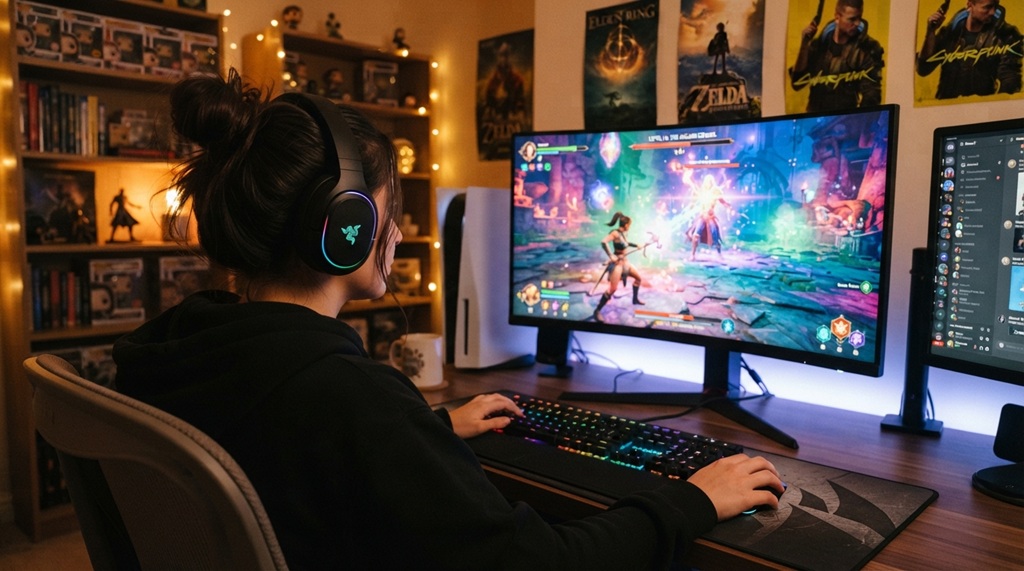
Most beginner regrets come from a handful of repeatable mistakes, and avoiding them is simpler than researching every product review.
Buying based on aesthetics over function
RGB lighting doesn’t improve performance, no matter how the packaging markets it.
Copying a streamer’s exact setup
Professional streamers buy gear suited to 8+ hour daily use and sponsorship deals, not casual weekend gaming.
Ignoring compatibility
Always check whether a gadget explicitly supports your platform before purchasing, especially with wireless peripherals.
Skipping reviews from actual owners
Star ratings alone don’t tell you if a product develops issues after weeks of use, so filter reviews by “most recent” to catch long-term reliability complaints.
Frequently Asked Questions
Do I need a gaming PC to buy gaming gadgets?
No, most gaming gadgets like controllers, headsets, and storage devices work across consoles, handhelds, and PCs. What matters is checking each product’s compatibility list before buying, since some peripherals are platform-specific.
How much should a beginner spend on their first gaming setup?
A functional beginner setup covering a controller or mouse/keyboard, headset, and storage can typically be built on a modest budget without touching premium brands. Spend more only after you’ve identified which upgrades actually improve your specific gaming experience.
Is it worth buying a gaming-branded gadget over a regular one?
Not always — many “gaming” branded products charge extra for cosmetic features like RGB lighting rather than meaningful performance gains. Focus on the underlying specs (sensor quality, driver support, build materials) rather than the gaming label itself.
Should beginners buy wired or wireless gaming gadgets?
Wired gadgets are generally more reliable and slightly more affordable, making them a solid starting choice for beginners. Wireless is worth the extra cost once you know you’ll game frequently enough to value the convenience of no cables.
What’s the biggest mistake beginners make when buying gaming gadgets?
The most common mistake is buying gear designed for professional or competitive use before knowing your own preferences and play style. Starting with reliable, mid-range gadgets and upgrading based on real experience almost always leads to better long-term satisfaction.
Conclusion
Buying the best gaming gadgets for beginners isn’t about spending the most money — it’s about matching gear to your platform, prioritizing the essentials (controller, headset, storage, connection), and holding off on premium upgrades until you actually know what you need. Start with reliable, mid-range gear from trusted sellers, avoid copying a pro’s exact setup, and let your own gaming habits guide future upgrades. That approach will save you money and get you playing sooner, with gear that actually fits how you play.