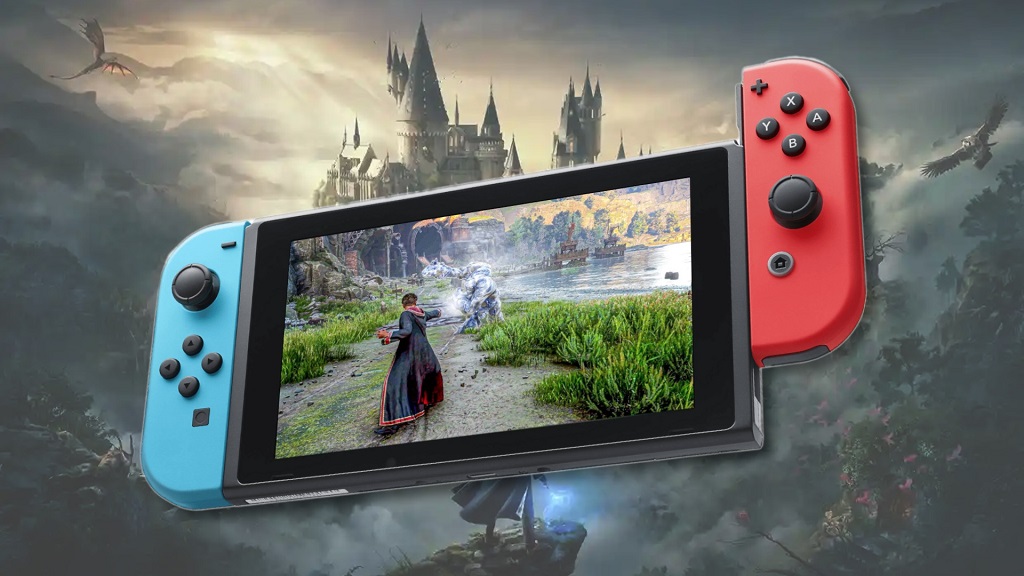
The magic of Hogwarts Legacy has captivated gamers worldwide, and the possibility of experiencing it on the Nintendo Switch is especially exciting for fans on the go. However, a crucial question arises: How much storage space does Hogwarts Legacy require on the Switch? This article delves into the file size details, explores optimization techniques for the Switch version, and offers alternative solutions for players with limited storage.
Understanding File Size and the Switch’s Limitations:
Before diving into specifics, it’s important to understand file size and the storage capacity of the Nintendo Switch. File size is measured in gigabytes (GB) and represents the amount of data a game occupies on your console. The Switch comes in two storage capacities: the original model with 32GB and the newer OLED model with 64GB. While seemingly generous, a significant portion of this space is reserved for the operating system, leaving less for games.
Hogwarts Legacy on Switch: A Balancing Act
Here’s the key information you’ve been waiting for: The base game for Hogwarts Legacy on the Switch is approximately 7 GB. This seems manageable at first glance. However, there’s a crucial caveat: a mandatory day-one patch for the game is estimated to be around 8 GB.
This mandatory patch is essential as it addresses bugs, improves performance, and adds additional content. Factoring in the patch, the total storage space required for Hogwarts Legacy on Switch balloons to approximately 15 GB. This represents nearly half the storage capacity of the original Switch model and a significant chunk of the OLED model’s space.
Optimization Techniques for the Switch Version:
The developers of Hogwarts Legacy have employed various techniques to optimize the game for the Switch’s less powerful hardware compared to other platforms like PC and PlayStation 5. Here are some potential optimization methods used:
- Reduced Texture Resolution: Textures on the Switch version might have lower resolutions compared to other platforms, resulting in slightly less detailed visuals.
- Draw Distance Adjustments: The distance at which objects are rendered in the game world might be reduced on the Switch to improve performance.
- Simplified Lighting and Effects: Lighting and visual effects might be toned down on the Switch to ensure a smooth gameplay experience.
These optimizations are necessary to ensure Hogwarts Legacy runs smoothly on the Switch. However, they might result in a slightly less visually impressive experience compared to other platforms.
Alternative Solutions for Limited Storage:
Here are some options for players with limited storage on their Switch consoles:
- External Storage: Invest in a microSD card to expand your Switch’s storage capacity. MicroSD cards are readily available in various capacities, allowing you to choose one that suits your needs.
- Cloud Saves: If you have a Nintendo Switch Online subscription, you can leverage cloud saves to back up your game progress. This allows you to delete the game itself while retaining your progress and redownload it later when needed. However, keep in mind that this solution requires an internet connection to access your saved data.
- Selective Game Management: If storage space is a constant concern, consider a more strategic approach to managing your games. Delete games you no longer play to free up space for Hogwarts Legacy. The Nintendo eShop allows you to redownload previously purchased games at any time.

The Importance of Transparency and Informed Decisions:
Transparency from developers regarding file size information is crucial for informed consumer decisions. Knowing the base game size and the mandatory patch size allows players to assess their storage situation and make informed choices. The optimization techniques employed for the Switch version are necessary for smooth gameplay but might result in a slightly less visually stunning experience compared to other platforms.
Related: What is Xbox Game Pass
Conclusion: The Magic of Choice
Whether you choose to experience Hogwarts Legacy on the Switch or another platform, the core gameplay experience remains captivating. Understanding the file size considerations, optimization techniques, and alternative solutions allows you to make an informed decision that best suits your gaming needs and storage capacity. So, grab your wand (or controller), prepare for an enchanting adventure, and explore the magic of Hogwarts Legacy!