
Want to play adventure games unblocked at school? Use browser-based unblocked game sites, school-approved gaming platforms, or lightweight game portals. These sites run directly in a browser tab. You don’t download anything, so most content filters never flag them.
Most school networks block gaming sites on purpose. Schools want students focused during class, and they want to protect bandwidth across the building. That’s a fair policy. But during lunch, study hall, or a free period, a quick adventure game can help you unwind. You just need to know which platforms actually work, and how to use them without causing problems for yourself or your school’s IT team.
This guide covers the safest, most reliable ways students play adventure games during school hours. You’ll learn what to watch out for and pick up a few smart habits that keep both you and IT happy.
What “Unblocked Games” Actually Means
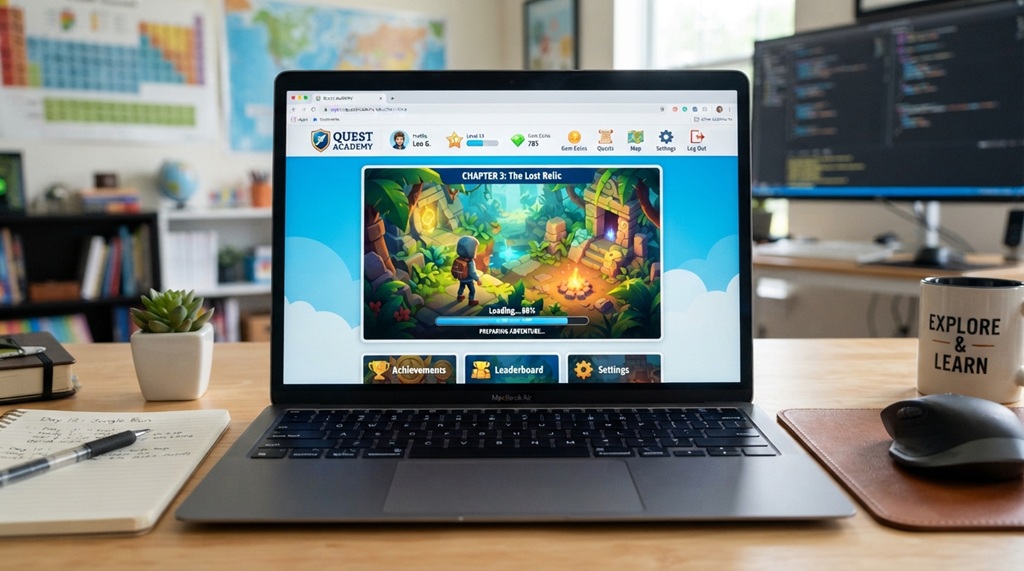
Unblocked games are web-based games hosted on sites your school hasn’t restricted yet. They don’t hack past security software. They simply run through channels schools already allow, like standard web browsing.
School filters usually block specific categories or known domains — think social media, streaming, or big gaming platforms like Steam. Smaller browser-based game portals often slip through because filtering software doesn’t recognize them yet, or classifies them differently. That’s why unblocked games sites rotate often. Once IT catches on and blacklists one domain, a similar site pops up under a new name.
Keep one thing in mind: “unblocked” doesn’t mean “approved.” Even if a site isn’t on your school’s blocklist today, playing during class still breaks most school policies. This guide focuses on appropriate free time, not a workaround for class rules.
Best Types of Adventure Games to Play in a Browser
Not every adventure game fits school Wi-Fi and short breaks. The best options load fast, run in-browser, and skip the account setup.
Point-and-Click Adventures
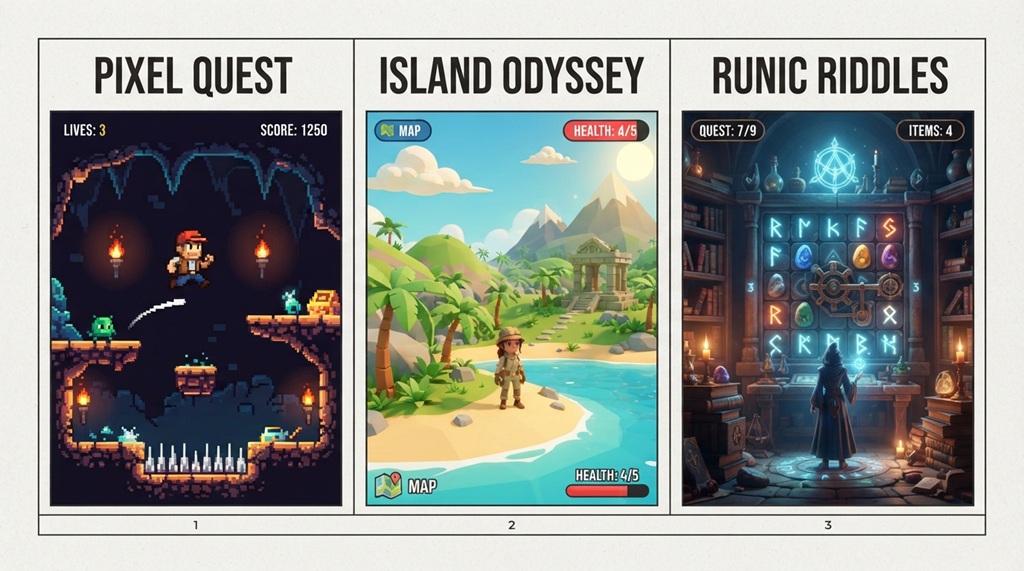
These games suit short school breaks well. You explore rooms, solve puzzles, and collect items, and the games load fast on low bandwidth. Most school laptops run on budget hardware built for basic tasks, not gaming, so lightweight games matter here.
Retro-Style Platform Adventures
Pixel-art adventure and platformer games run entirely in-browser through HTML5, so they load in seconds. They save well within a single class period. Many don’t even need sound, which helps if you want to keep your device silent.
Puzzle-Adventure Hybrids
These games blend logic puzzles with light adventure storytelling — escape-room style games are a good example. They load quickly, and a single level often fits neatly into a 20-30 minute lunch break.
Where Students Typically Source Unblocked Adventure Games
While students turn to a few well-known hubs to bypass network filters, not every source delivers a smooth experience. If you are racing against a tight class break, immediate access and low latency are non-negotiable. Discover lightweight, high-performance titles designed for zero-lag play in our breakdown of how to play the best adventure games online free fast.
Dedicated Unblocked Game Websites
These sites exist specifically to host browser games that dodge common school restrictions. They organize games by genre, so you can filter straight to “adventure.” You’ll find plenty of variety here, but site quality varies a lot. Stick to sites your friends or gaming communities actually recommend, rather than the first random result you find.
School-Approved Educational Game Portals
Some schools allow specific gaming portals for downtime or educational use, and IT has already cleared these. Check your school’s learning platform first — many Chromebook management systems include a “games” or “extras” section worth exploring before you look elsewhere.
Browser Extensions and Proxy Tools
Some students use browser extensions that reroute traffic to reach blocked content. Here’s the key issue: most schools explicitly ban these tools in their acceptable use policy. These tools bypass network monitoring entirely, not just game filters, so they can trigger IT alerts or even disciplinary action. If you want to stay on the right side of school rules, skip this route. Stick to sites that are simply unblocked rather than tools built to defeat security software.
How to Play Without Getting Flagged by School IT
Staying under the radar isn’t about hiding. It’s about choosing tools that already sit in the gray area schools tolerate, instead of tools built to defeat monitoring software.
Here’s a tip most guides skip: check how your device actually logs activity first. Many school Chromebooks and laptops sync browsing history to a central admin dashboard in real time, so IT staff can see visited sites almost instantly, not just at the end of the day. Playing games during a permitted break usually isn’t a big deal. But searching “how to bypass school filter” or installing a VPN extension raises far more red flags than simply visiting a lesser-known gaming site — those actions target the monitoring system itself, not just a webpage.
Stick to sites you find through a normal search or a link from a classmate. Avoid sites that promise to “unblock anything,” since they often bundle extra software or ad trackers. Those extras draw more attention from network security tools, and they put your device at real risk.
Staying Safe While Playing Adventure Games at School
Safety here covers two things: avoiding malware and shady ads, and staying within school rules so you don’t lose device privileges.
Avoid sites with excessive pop-ups.
A flood of ads or redirects signals a low-quality or unsafe site, and it’s also the fastest way to land somewhere that gets you flagged.
Never enter personal information.
Legitimate unblocked game sites never ask for your email, name, or school login just to let you play.
Play during appropriate times only.
Free periods, lunch, and study hall work well for most schools. Sneaking games during instructional time risks device access for everyone, since schools often respond to individual misuse with broader restrictions.
Use headphones or keep sound off.
This isn’t about safety so much as staying under the radar — a game that suddenly plays audio in a quiet classroom gets you noticed fast.
Alternatives if Adventure Games Are Fully Blocked
If your school’s filter blocks everything gaming-related, you still have a few options.
Check whether your school library or media center offers approved gaming time on specific days. Many schools do this, especially around exam periods, as a stress-relief measure. Ask a teacher or IT staff directly whether an approved games list exists — schools update these more often than students realize, and asking beats searching through dozens of unblocked sites hoping one works.
You can also try offline alternatives during true downtime. Some browser-based adventure games run without an internet connection once they load, which sidesteps network filtering entirely — the filter only applies to that first connection.
FAQ
Are unblocked games sites safe to use?
It depends on the site. Reputable ones with active moderation and minimal ads are generally fine, but lesser-known sites can carry more risk from intrusive ads or shady scripts. Stick to well-reviewed sites, and never enter personal information.
Will I get in trouble for playing unblocked games at school?
It depends on your school’s policy and your timing. Most schools tolerate browser games during free periods but crack down hard during class time, so check your school’s acceptable use policy if you’re unsure.
Do unblocked adventure games cost money?
Most of them are completely free, since they run as ad-supported browser games rather than paid titles. Some offer optional in-game purchases, but a real adventure game shouldn’t require payment just to play.
Why do unblocked game sites keep changing names or URLs?
School IT departments update their blocklists regularly. Once a site gets popular enough to flag, a similar site often appears under a new domain. This happens as a normal part of how these sites operate, not because anything shady is going on.
Can I play these games on a school Chromebook?
Yes. Browser-based adventure games run fine on Chromebooks since they skip downloads and extra software. Performance may dip slightly on older devices, but most lightweight adventure titles run smoothly even on basic hardware.
Conclusion
Playing adventure games unblocked at school comes down to picking the right tool. Choose browser-based sites that run outside your school’s usual filters, and skip software built to bypass network security altogether. Stick to reputable unblocked gaming sites, play during appropriate breaks, and steer clear of VPNs or proxy extensions that draw IT’s attention fast. With a little care about where and when you play, a quick point-and-click adventure or puzzle game makes a solid way to unwind during a school day.