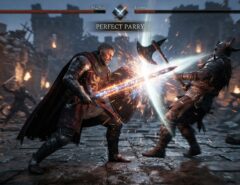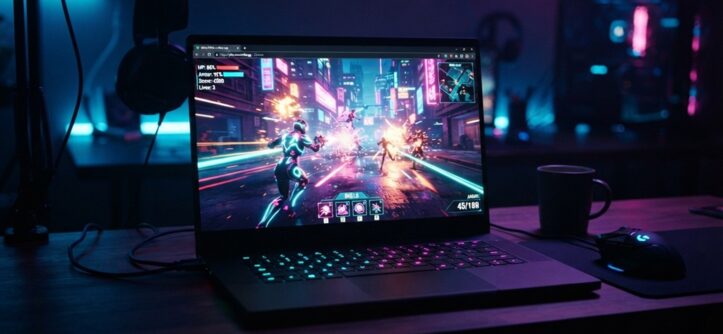
You can play HD action games unblocked and without a download by using browser-based platforms that run games directly through HTML5 or WebGL technology. These games load instantly in any modern browser — no installer, no admin permissions, and no waiting for a 40GB file to finish. All you need is a stable internet connection and an updated browser like Chrome, Edge, or Firefox.
This approach has become popular with students, office workers, and casual gamers who want quick access to action games on shared or restricted computers, without needing to install anything extra. It’s also a great option if you’re low on storage space or just don’t want to commit to a full game install for something you’ll play for twenty minutes.
Below, we’ll break down exactly how browser-based HD action games work, where to find legitimate ones, how to make sure they run smoothly, and what to watch out for so you don’t end up on a sketchy site.
What “Unblocked” Actually Means for Browser Games
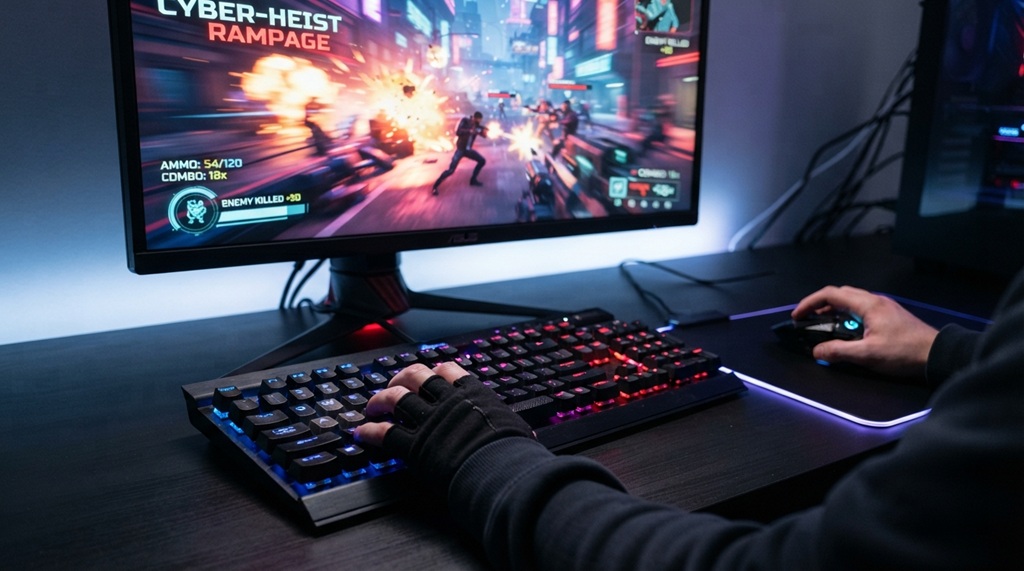
“Unblocked” refers to games hosted on websites or platforms that aren’t restricted by common network filters, as opposed to games that require bypassing security software. It does not mean hacking through a firewall — it simply means the game is hosted in a way that most standard content filters categorize as a normal web page rather than a “gaming” site.
Many schools and workplaces use filtering software that blocks entire categories of websites, including anything tagged as “gaming.” Unblocked game sites work around this by using generic-sounding domains, embedding games inside educational or portfolio-style pages, or hosting games through platforms that filters don’t typically flag.
Why This Matters for HD Action Games Specifically
Action games tend to be more demanding than puzzle or card games, so they’re more likely to be hosted on dedicated HTML5 game engines rather than simple embedded widgets. That distinction matters because it affects load times and performance, which we’ll cover in the next section.
A Note on Network Policies
If you’re on a school or work network, it’s worth remembering that IT departments set restrictions for a reason, whether that’s bandwidth management, security, or productivity. Playing games through unblocked sites during personal time or breaks is generally fine, but circumventing filters against an employer’s or school’s explicit policy can carry consequences unrelated to the game itself. When in doubt, check your organization’s acceptable use policy.
How No-Download Browser Games Actually Run
No-download games run using HTML5, WebGL, or WebAssembly, technologies built directly into modern browsers that let developers ship full 2D and 3D games as web pages instead of installable software. This is the same technology that powers browser-based tools like Google Docs or Figma, just applied to game rendering instead of documents.
When you click “play,” the browser downloads the game’s assets temporarily into memory (not onto your hard drive) and renders everything using your device’s graphics processing through the browser itself. That’s why closing the tab effectively “uninstalls” the game instantly, and why nothing shows up in your file explorer afterward.
Why Some HD Games Load Faster Than Others
Load speed comes down to three factors: file compression, server location, and your own connection speed. Well-optimized HTML5 games compress textures and audio aggressively so a game that looks HD can still load in under 10 seconds on decent broadband.
Why Graphics Can Look “HD” Without a Download
WebGL supports real-time lighting, shading, and texture rendering similar to early PC or console-generation graphics. It won’t match a AAA downloaded title running on a dedicated GPU, but for browser gaming, “HD” typically means sharp textures, smooth animation, and resolution scaling that adjusts to your screen — all achievable without installing anything.
Where to Find Legitimate HD Action Games Unblocked
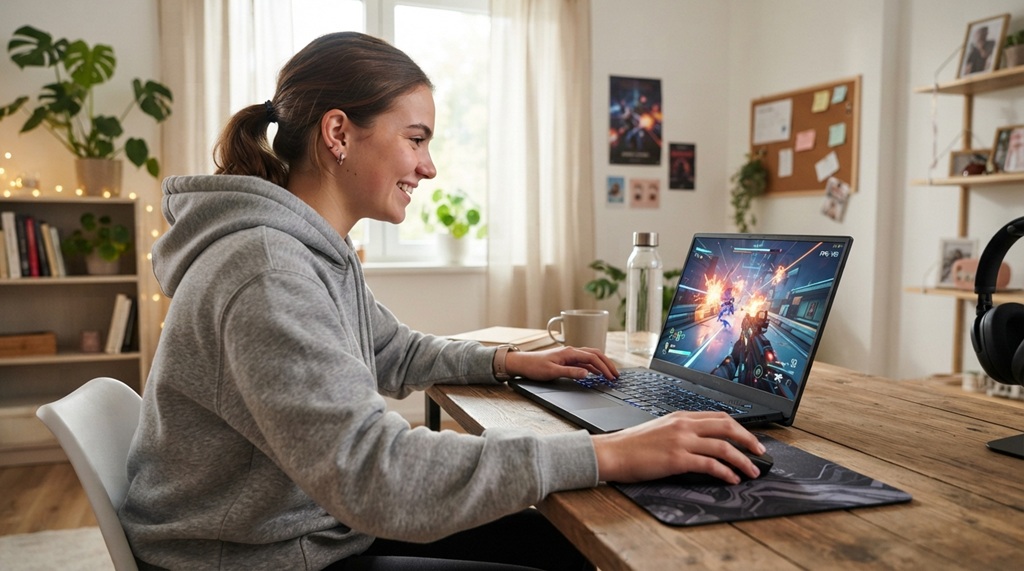
Look for established browser gaming platforms that host licensed or original HTML5 titles rather than random mirror sites, since legitimate platforms are safer and update their game libraries regularly. A few categories to check:
Established browser gaming portals
These sites specialize in HTML5 and WebGL titles, often organized by genre, and have been running long enough to build a reputation. If you love rich storylines alongside high-octane gameplay, dive deeper into story lore like our breakdown on assassin’s creed valhalla: Basim’s Loki Lineage Explained to see how modern action titles push narrative boundaries.
Game engine showcase pages
Platforms like itch.io host thousands of independently developed action games that run directly in-browser, many for free.
Official publisher web ports
Some studios release lightweight browser versions of their console or PC games as promotional tools.
Red Flags to Avoid
Steer clear of sites that require you to download a “launcher,” disable your browser’s pop-up blocker, or install a browser extension before playing — legitimate no-download games never need any of these. If a site asks for that kind of permission, it’s not actually a no-download game; treat it as a warning sign and close the tab.
How to Make Sure the Game Runs Smoothly
Update your browser to the latest version and make sure hardware acceleration is enabled, since these two settings account for most performance issues with browser-based action games. Hardware acceleration lets your browser tap into your device’s GPU instead of relying solely on the CPU, which makes a noticeable difference for anything action-heavy.
Here’s a quick pre-game checklist:
- Update your browser (Chrome, Firefox, Edge, or Safari) to the current version.
- Enable hardware acceleration in your browser’s system settings.
- Close unused tabs and background apps to free up RAM.
- Check that your internet connection is stable, not just fast — a stable 10 Mbps connection often outperforms a spikey 50 Mbps one for real-time gameplay.
- Use a wired connection if playing on Wi-Fi introduces noticeable lag.
If a Game Still Lags
Lower the in-game resolution or graphics setting if the game offers one, since most HTML5 action titles include a performance mode specifically for lower-end devices. If there’s no in-game setting, try switching browsers — some render WebGL more efficiently than others depending on your device’s graphics drivers.
Genuinely Useful Tip: Use Browser Task Manager to Diagnose Lag Before Blaming the Game
Most guides on this topic just tell you to “close other tabs,” but there’s a more precise way to figure out what’s actually slowing your game down. Chrome and Edge both have a built-in Task Manager (Shift + Esc in Chrome, or accessible through the browser menu) that shows CPU and memory usage per tab in real time.
Open it before launching your game, then watch which processes spike once gameplay starts. If the game tab itself is consuming most of your CPU, the issue is likely the game’s optimization or your device’s hardware. If a different tab or a background extension is spiking instead, you’ve found your actual bottleneck; closing that specific culprit will fix more lag issues than blindly closing everything.
This matters because a lot of “the game is unblocked but still slow” complaints aren’t actually about the game at all, they’re about resource conflicts you can diagnose in under a minute.
Staying Safe While Playing Unblocked Games
Only play through sites using HTTPS (look for the padlock icon) and avoid entering personal information, payment details, or account passwords on any unfamiliar gaming site. Legitimate no-download game platforms never need your email, address, or card details just to let you click “play.”
Keep your browser and antivirus software up to date, since these serve as your main line of defense against the rare malicious script embedded in a low-quality site. If a site prompts you to download a file to “improve performance” or “unlock more levels,” that’s not a real HD browser game feature, close the tab immediately.
Frequently Asked Questions
Are unblocked HD action games actually HD quality?
Many are, though “HD” in a browser context usually means sharp, high-resolution textures and smooth 60fps animation rather than console-level graphical fidelity. WebGL-based games can look genuinely impressive, especially stylized or 2.5D action titles, but they generally won’t match a downloaded AAA title running on dedicated hardware.
Do I need a powerful computer to play these games?
No, most browser-based action games are optimized to run on mid-range or older laptops since that’s a large part of their audience. A stable internet connection and an updated browser matter more than raw processing power for the vast majority of HTML5 action titles.
Is it legal to play games on unblocked game sites?
Playing the games themselves is generally legal as long as the site hosts licensed or original content; the legal question usually concerns whether you’re violating a school or employer’s network policy, not the game itself. Always check your organization’s acceptable use policy if you’re playing on a managed network.
Why do some unblocked sites look outdated or sketchy?
Because unblocked game sites often need generic-sounding names and simple designs specifically so content filters don’t automatically flag them as gaming sites. An unpolished look doesn’t automatically mean it’s unsafe, but you should still verify HTTPS and avoid entering any personal information.
Can I play these games on a phone or tablet?
Yes, most HTML5 and WebGL games are mobile-compatible, though touch controls will vary in quality depending on how well the developer adapted them. Action games with precise controls (shooters, platformers) tend to translate better to mobile than complex strategy titles.
Final Takeaway
Playing HD action games unblocked with no download comes down to using the right browser-based platforms, keeping your browser updated, and knowing how to spot legitimate sites versus sketchy ones. With HTML5 and WebGL technology now capable of running genuinely sharp, responsive action games directly in a tab, there’s rarely a real need to install anything just to get a quick gaming session in. Stick to reputable platforms, check for HTTPS, and use the task manager trick above if performance ever feels off, that’s really all it takes to get a smooth, safe experience.