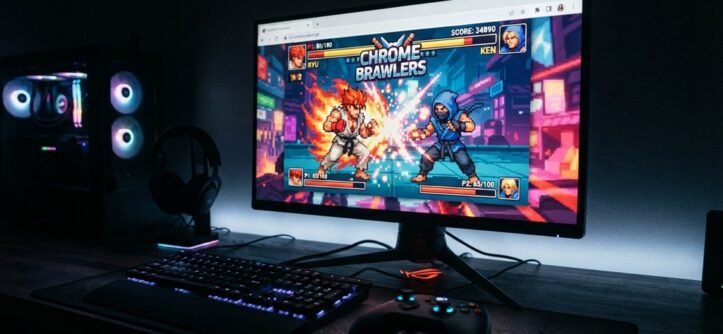
You can play fighting games on PC without downloading anything. Cloud gaming platforms stream the game straight through your web browser. You open a browser tab, log in to a cloud gaming service, and the game runs on a remote server. Your screen just shows the video feed. Your keyboard, controller, or mouse sends inputs back to that server in real time.
Fighting game fans love this setup. Fighting titles move fast and often need more storage or hardware power than a casual browser game. Cloud streaming removes that barrier. You don’t need a gaming PC, a big hard drive, or admin rights to install software. That matters a lot if you’re on a school laptop, a work computer, or an older machine.
This guide breaks down how the process works, which platforms support it, what you need for smooth play, and the tradeoffs you should know before you commit to browser-based fighting games.
What “No Download” Cloud Gaming Actually Means
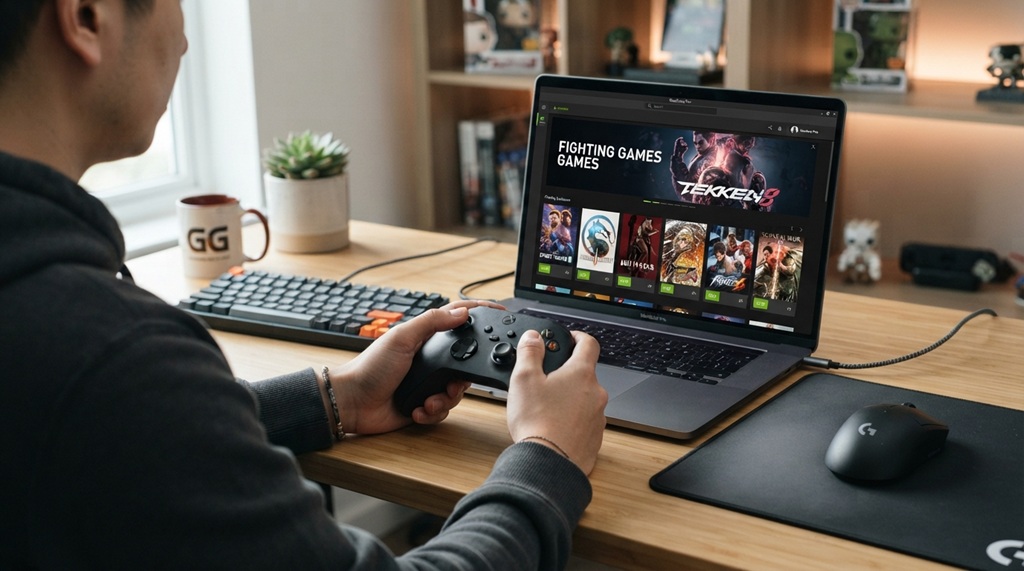
No-download cloud gaming means the game never gets installed on your device. It runs entirely on a remote server and streams to you like a video call. Your PC only needs to display video and send your button presses. It doesn’t process game logic or render graphics.
This differs from playing a light HTML5 fighting game in your browser. A true cloud gaming setup can stream full, graphically demanding fighting games (think Street Fighter–style or Tekken–style titles). A data center GPU handles the heavy work, not your laptop.
How the Streaming Process Works
The process runs in a loop, several times per second:
- You press a button or move a joystick.
- Your input travels over the internet to a remote server.
- The server’s GPU renders the next frame of the game.
- The server compresses that frame into a video stream and sends it back.
- Your browser decodes and displays it almost instantly.
This loop repeats dozens of times per second. That’s why a stable, fast internet connection makes or breaks the experience. More on that below.
Best Ways to Stream Cloud Fighting Games on PC Without Downloads
Playing fighting games directly through your browser via platforms like Xbox Cloud Gaming or GeForce NOW eliminates heavy installs, but split-second combos demand a flawless, low-latency connection. Because network instability and frame drops can instantly ruin an online match, optimizing your setup for minimal input delay is essential—if latency ever threatens to throw off your timing, fix lag in 2 player fighting games unblocked offers practical tweaks to keep your gameplay smooth and responsive.
Cloud Gaming Subscription Services
These services stream full commercial games, including many fighting titles, through a browser tab. You sign in, pick a game from a library, and it launches after a short loading screen. Most require a paid subscription or game ownership, plus a stable connection. In return, you get full, high-quality fighting titles without touching your storage.
Browser-Native HTML5 Fighting Games
Some fighting games run natively in the browser using HTML5 and JavaScript. They need no cloud server at all. These games tend to be smaller and arcade-style rather than full commercial titles. They load instantly and work on almost any device, including low-power laptops and Chromebooks.
Game Publisher Web Portals
Some publishers now offer instant-play web portals for select titles. You can play directly from the publisher’s website. Check this option first if you want a specific game. It skips third-party platforms and often gives you the best-optimized stream for that title.
System Requirements for Smooth Cloud Fighting Game Streaming
Your internet connection matters more than your PC’s specs here. Your computer doesn’t render the game, so even a modest laptop can run cloud-streamed fighting games well. A weak or unstable connection, though, causes lag that ruins fast-paced matches.
Industry experts on game streaming point out that latency matters more for fighting games than for slower genres. Even small input delays affect timing-sensitive moves like combos and parries. A wired or strong Wi-Fi connection helps you avoid this.
Minimum Setup to Aim For
- A broadband connection with stable upload and download speed (choose wired Ethernet over Wi-Fi when you can)
- An updated, modern browser — Chrome, Edge, and Firefox tend to work best with streaming platforms
- A controller or keyboard with low-latency input, since fighting games are timing-sensitive
- A router close enough to your PC to avoid signal drops, or a direct wired connection
Why Latency Matters More Than Graphics Settings
Most streamed genres barely show a slightly blurry frame here and there. Fighting games work differently. A delay of even a fraction of a second can cost you a block or drop a combo. Players consistently report that connection stability affects their performance far more than resolution does.
Setting Up Your Browser for the Best No-Download Experience
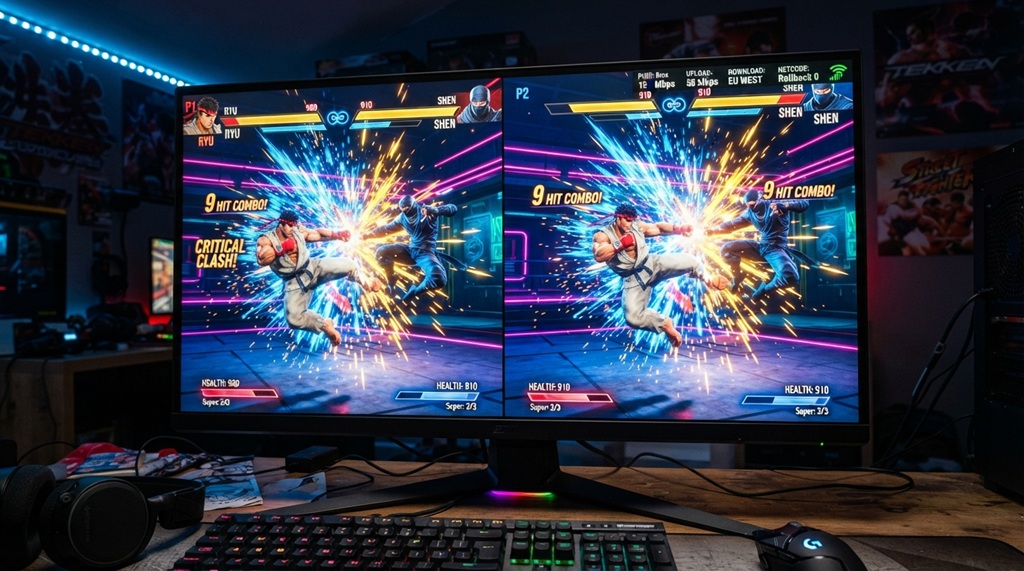
A properly configured browser cuts lag and stuttering before you even touch in-game settings. A few small adjustments can noticeably improve how a streamed fighting game feels.
Steps to Optimize Before You Start Playing
- Close tabs and background apps you don’t need. They compete for bandwidth and processing power.
- Disable browser extensions you don’t need during gameplay, especially ad blockers or VPN extensions.
- Update your browser to the latest version. Streaming platforms optimize for current browser engines.
- Turn off other devices on your network that are streaming or downloading. They eat into your bandwidth.
- Enable a “performance” or “low latency” mode if your platform offers one, even if it slightly lowers visual quality.
That last point matters most for fighting games. Prioritize responsiveness over visual fidelity. Competitive fighting relies on precise, frame-by-frame timing, not graphical detail.
Pros and Cons of Playing Fighting Games via Cloud Streaming
Weigh these tradeoffs honestly. They’ll help you decide if this is your long-term way to play or just a backup option.
The Advantages
- You use no storage on your device, which helps on laptops with limited drive space
- You skip lengthy installs or patch downloads before you start playing
- You can play on almost any device with a browser, including Chromebooks and low-spec PCs
- You can switch between devices easily, since your progress usually ties to your account, not your hardware
The Drawbacks
- Your performance depends fully on your internet connection, unlike an installed game
- Even small input lag can affect high-precision fighting game mechanics more than other genres
- Most full-featured cloud gaming access requires a subscription or the underlying game purchase
- Long sessions can use significant data, which matters on limited or metered internet plans
Here’s a tip most guides skip: test your connection with a wired Ethernet cable before you write off cloud streaming for competitive play. Many players blame the platform for lag that Wi-Fi interference actually causes. Switching to a wired connection alone can noticeably tighten your input response.
FAQ
Do I need a powerful PC to play cloud fighting games?
No. A remote server renders the game, so even a basic laptop or Chromebook can run demanding fighting titles smoothly. Your internet connection quality matters far more than your device’s processing power.
Will cloud streaming add noticeable input lag to fighting games?
You’ll always get some added latency compared to a locally installed game. A strong wired connection keeps that lag minimal enough for casual and even semi-competitive play. Many top competitors still prefer a locally installed game for tournament play, since it removes any extra delay.
Can I use a controller with browser-based fighting games?
Yes. Most cloud gaming platforms and browser-native fighting games support USB or Bluetooth controllers. Fighting games are much harder to play well with just a keyboard, so check your platform’s compatibility list first, since support varies between services.
Is it safe to play fighting games through a browser?
Yes, as long as you stick to established, reputable cloud gaming services or official publisher portals, since no game files download to your computer. Avoid unofficial third-party sites that claim to stream paid games for free these often turn out to be scams or malware.
How much internet data does cloud gaming use per hour?
Data usage varies by platform and stream quality, but cloud gaming typically uses more data per hour than a standard video call or HD video stream. If you’re on a limited data plan, check your platform’s recommended settings and consider lowering stream quality to save data.
Conclusion
You can play fighting games on PC without downloading anything by using a cloud gaming platform, a browser-native HTML5 game, or a publisher’s instant-play portal. Each option streams gameplay straight to your browser instead of installing files locally. Your internet connection matters more than your PC’s hardware here, especially for a genre as timing-sensitive as fighting games so aim for a stable, low-latency setup, ideally wired. Once you optimize your connection and browser, cloud streaming makes fighting games genuinely accessible from almost any device, no installs required.