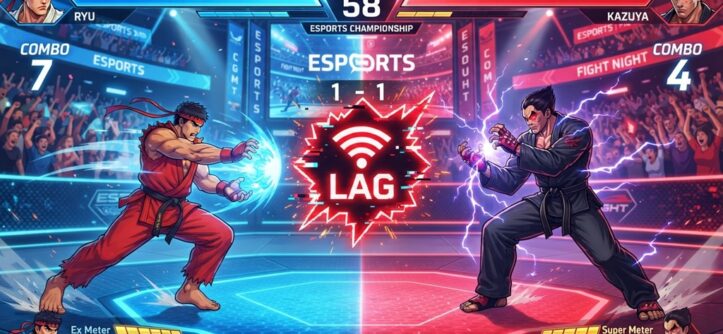
Lag in 2 player fighting games unblocked usually comes from one of three things. Either your internet connection is unstable, your browser is overloaded, or your network is throttling gaming traffic. You fix the lag by fixing one of these three areas. The game itself is rarely the real problem.
Unblocked fighting games run inside a browser tab. Many of them run on school or work networks that were never built for gaming. That makes them more sensitive to small connection hiccups than console games.
Most of the fixes below take less than five minutes. You don’t need admin access for them. That matters if you’re playing on a school Chromebook or a shared computer. This guide explains each cause of lag and walks you through the fix.
Why 2 Player Fighting Games Unblocked Lag More Than Other Browser Games
Fighting games lag more than other browser games because they need frame-perfect timing. A delay of even 100 to 200 milliseconds can make a combo miss or a block fail. A puzzle or idle game can hide a small delay. A fighting game can’t.
The Technical Reason Behind the Lag
Most unblocked fighting games run in HTML5 or through browser-based emulation. That means the game lives entirely inside your browser tab. Your browser’s performance becomes the game’s performance. If your browser is also loading ads or running background scripts, it splits its power. The game gets less of it.
Why Network Type Matters More Here
People often play unblocked fighting games on school or public Wi-Fi. Hundreds of devices can share that same network. Some networks even limit bandwidth for gaming traffic on purpose. This creates inconsistent ping, which is the time it takes data to travel between players. You feel this as stuttering, delayed hits, or characters snapping back to an old position.
Check and Improve Your Internet Connection First
Your connection is the biggest factor in fighting game lag. Test it before you touch any in-game settings. A wired connection almost always beats Wi-Fi for real-time gaming. It removes signal interference and distance problems.
Switch From Wi-Fi to a Wired Connection When Possible
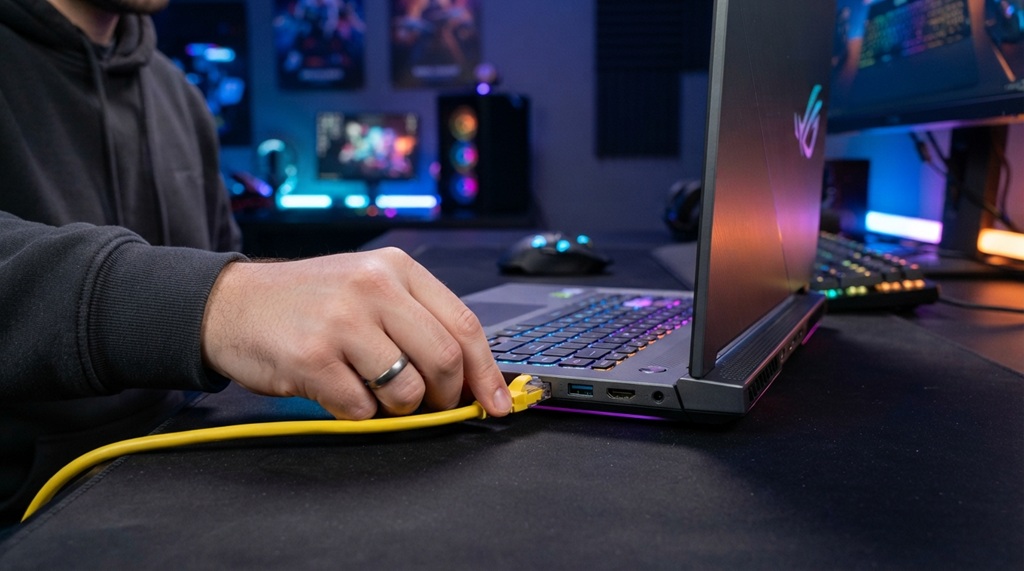
Plug an ethernet cable directly into your router if you can. This removes the variability that wireless signals create. It matters most in crowded places, like school computer labs or apartment buildings with many overlapping networks. Even a basic cable can cut down the stutter you feel during fast exchanges.
Reduce the Number of Connected Devices
Phones, tablets, smart TVs, and other computers all compete for the same bandwidth. Disconnect the ones you’re not using. Do this right before a match. You don’t need to do it permanently.
Run a Speed Test to Identify the Real Problem
Don’t assume the game is broken. Run a free speed test first. Check your ping, your download speed, and your jitter. Aim for a ping under 60ms for smooth fighting game play. If your ping sits above 150ms, or your jitter is high and unstable, your connection is the problem. Not the game.
Optimize Your Browser for Smoother Gameplay
Your browser’s current state affects how smoothly an unblocked fighting game runs. Open tabs, active extensions, and built-up cache all use memory. Since these games run entirely in the browser, anything competing for resources shows up as lag.
Close Unused Tabs and Extensions
Every open tab uses memory, even if you’re not looking at it. Every active extension runs quietly in the background. Close anything that isn’t the game. Ad blockers, VPN extensions, and grammar checkers are common culprits.
Clear Your Browser Cache Regularly
A large cache slows down page loading and script execution. That affects how fast the game responds to your inputs. Clear your cache every week or two if you play often. It keeps load times consistent.
Use a Lightweight, Updated Browser
Old browser versions miss out on new performance fixes. Keep your browser updated. Chrome, Firefox, and Edge all release regular performance patches. Updating costs nothing but a minute of your time.
Adjusting In-Game and Device Settings to Reduce Lag
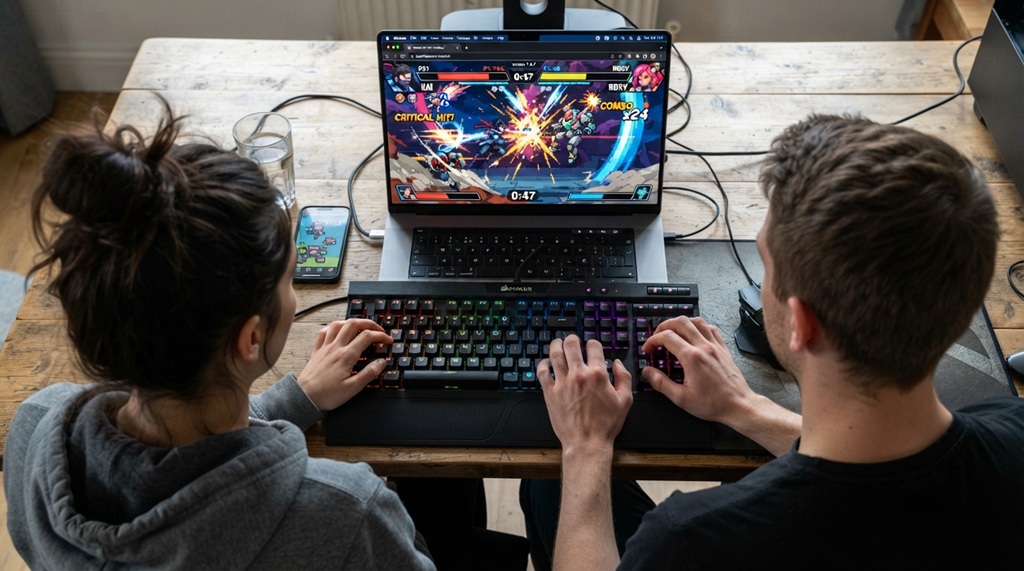
Your hardware’s processing capacity plays a massive role in maintaining smooth gameplay, making settings tweaks essential when playing on older laptops or low-spec Chromebooks with limited RAM. Lowering in-game graphics, closing background browser tabs, and capping frame rates instantly frees up system memory to eliminate latency spikes and input lag in fast-paced brawlers. Once your browser is optimized for 2-player matches, those same performance adjustments come in handy for far more demanding titles so if you are ready to test your setup on heavy 3D rendering, imperial mausoleum in goat Simulator 3 in Seattle, WA for area walkthroughs and visual fixes.
Lower In-Game Graphics or Resolution Settings
Check if the game offers resolution or frame rate options. Lowering them reduces the load on your device. That can smooth out how fast your inputs register. Not every unblocked game has these settings, but use them when you find them.
Close Background Applications on Your Device
Cloud sync tools, antivirus scans, and streaming apps all use CPU and RAM. Your browser needs that power for the game to run well. Open your device’s task manager. Close anything you don’t need before you play.
Restart Your Device Before Long Play Sessions
A device that’s been running for days builds up background processes and memory leaks. This slows everything down, including browser games. Restart your device. It clears the buildup. People skip this step because it feels too simple, but it works.
Fix Lag Caused by School or Work Network Restrictions
Many people search for 2 player fighting games unblocked because they play on a restricted network. This creates a different kind of lag than a home connection. Knowing the difference helps you pick the right fix.
Understand Why School Networks Throttle Gaming Traffic
Schools and workplaces often prioritize educational or business traffic. They limit bandwidth for anything they classify as gaming or streaming. This causes steady, predictable lag, no matter what device or browser you use. It feels different from random lag spikes. It feels constant.
Try Playing During Lower-Traffic Hours
More devices on a network means more congestion. Try playing early in the morning or later in the evening. Fewer people online means less competition for bandwidth. This won’t remove a hard bandwidth cap, but it helps with general congestion.
Use a Different Approved Network When Available
Some schools and workplaces offer a guest network. If yours does, and if it’s allowed, try switching to it. It may not carry the same restrictions as the main network. Always check your institution’s policy before you switch.
An Overlooked Fix: Match the Game’s Netcode to Your Connection Type
Most guides skip this part entirely. Not all unblocked fighting games sync two players the same way. The method they use, called netcode, matters more than any browser tweak you can make.
Games with rollback netcode predict inputs and correct them in real time. They feel smoother on imperfect connections. Games with older delay-based netcode pause the whole match while they wait for data. That pause is what you feel as lag.
If a specific game still feels laggy after you’ve fixed everything else, the netcode may be the real issue. Older netcode struggles once latency climbs above 50 to 80ms. Try a different unblocked title with more modern syncing. Even a less popular game can solve a problem that no amount of tab-closing ever will. Test this before you assume your setup is broken.
Frequently Asked Questions
Why does my fighting game lag even though my internet is fast?
Fast download speed doesn’t guarantee low ping or low jitter. Fighting games care more about those two factors than raw speed. Your speed test can look great while your ping still spikes during a match.
Does clearing my browser cache actually help with in-game lag?
Yes. A bloated cache slows down how fast your browser loads and runs the game’s scripts. It’s a small fix, but it’s free and fast. Try it before anything more complex.
Can I fix lag on a school Chromebook without admin access?
Yes. You can close tabs, clear your cache, and switch to a less congested network without admin permissions. Restarting your device and avoiding peak hours also work, and neither needs special access.
Is Wi-Fi or wired internet better for unblocked fighting games?
Wired internet wins almost every time. It avoids the signal interference and distance issues that come with Wi-Fi. Use a wired connection if you have one available where you play.
Why does the game lag only during certain times of day?
This points to network congestion. More devices share the connection at certain hours, which slows things down. Play during off-peak hours, like early morning or late evening, for smoother matches.
Conclusion
Lag in 2 player fighting games unblocked almost always comes from your connection, your browser, or your network’s restrictions. The game itself is rarely the cause. Start with your connection, then check your browser, then adjust your device settings and timing. If lag still won’t go away, check the game’s netcode. That’s the one fix most players never think to try.